LLMs
Claude Now Works Inside Google Docs, Sheets and Slides: What Anthropic's New Beta Can Do
Oct 7, 2026·5 min read·By Rahish Saifi
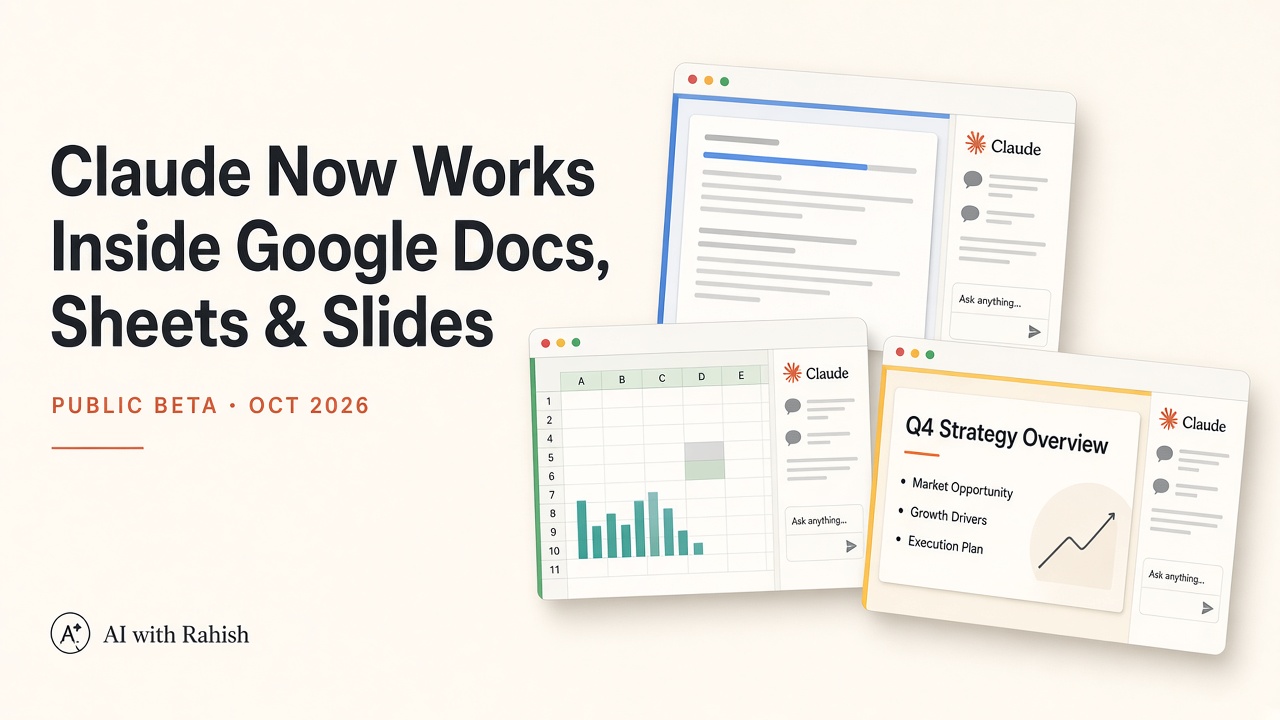
On October 6, 2026, Anthropic moved Claude for Google Workspace into public beta and released matching Google Docs, Sheets, and Slides connectors (also in beta). Per Anthropic’s announcement, paid Claude users can open a sidebar inside an active file—or start in Claude and edit Google files in a pane beside chat—with access that mirrors existing Google sharing permissions.
What launched in the public beta
Two pieces ship together but solve different workflows:
- Claude for Google Workspace (add-on). Available in beta on Pro, Max, Team, and Enterprise plans. You need a Google account allowed to install Google Workspace Marketplace apps. One Marketplace install covers Docs, Sheets, and Slides—not three separate extensions.
- Google Docs, Sheets, and Slides connectors. Also in beta. They let you paste a Google file link or ask Claude to create a doc, sheet, or deck, then work on that file from Claude’s interface. Claude’s access matches your existing Google sharing permissions.
What Claude does in Docs, Sheets, and Slides
With the sidebar open, Claude reads the file you have open and can see selected text, cells, or slides. Anthropic says it makes changes directly in the file, so collaborators see edits in version history like any normal change.
Google Docs
In Docs, Claude can fix a sentence or restyle a heading without disturbing surrounding formatting. For larger rewrites, it can propose edits as suggestion cards in the sidebar—each card highlights the passage it would change, and you apply or dismiss it. Anthropic’s examples include tightening an executive summary and turning “next steps” bullets into a table, both in place.
Google Sheets
In Sheets, Claude can write formulas, build pivot tables and native Sheets charts, and add new tabs. For joins or data cleaning, it can pull a range into Python and write results back into the sheet.
Google Slides
In Slides, Claude can build new slides from your deck’s existing layouts and themes so they match the rest of the presentation. It can then review its own work and flag elements that overlap or run off the slide, or text that is hard to read—quality checks that are tedious when done manually.
When signed in, the sidebar carries the same models, connectors, and skills as claude.ai—so a quarterly business review deck can pull CRM or Drive context before editing Slides.
Default “Ask before edits” mode previews each change; “Accept all edits” applies ordinary edits without stopping but still pauses on links, external images, or access changes. Claude cannot share files or change ownership.
Starting from Claude with the new connectors
The Google Docs, Sheets, and Slides connectors are separate from the older Drive, Gmail, and Calendar connectors that search and reference Workspace from claude.ai. To edit live from chat, turn on the Docs, Sheets, and Slides connectors (plus sign → Connectors). Paste a Google link or ask explicitly for a Google doc, sheet, or deck—asking for a generic “doc” without naming Google creates a local downloadable file instead.
Supported setups show the file in a pane beside chat (Chrome on the web, or Claude Desktop with the built-in browser enabled). Otherwise, use “Open in Google” on the file card.
Who gets it and how to install
Install Claude for Google Workspace from the Google Workspace Marketplace, then open a file and go to Extensions → Claude → Open Claude. The first launch asks you to allow two Google permissions; then sign in with your Claude account.
Admins can deploy domain-wide or to groups via admin install or allowlisting. For connector editing, Team and Enterprise owners must enable Docs, Sheets, and Slides connectors before members connect Google.
Admin, privacy, and enterprise controls
The add-on asks Google for only two permissions—enough to render the sidebar and edit the single file you opened. Sidebar chat stays in your browser per file; edits appear in version history under your name. Anthropic says content is not used for training; Enterprise customers get Compliance API, CMEK, and OpenTelemetry audit export on the add-on. API-key or Bedrock/Vertex sign-in is not supported in this beta.
Beta limitations worth planning around
Claude for Google Workspace is explicitly beta. Limits called out in Anthropic’s documentation include:
- Browsers: Chrome, Edge, or Safari. Firefox loads the sidebar but actions do not complete.
- Runtime: Google stops a single extension operation after six minutes—break large jobs into stages.
- Sidebar: Keep it open while Claude works; closing it stops the current task. Voice dictation is not available in the sidebar.
- Slides charts: Charts Claude creates are inserted as images, not linked Sheets charts, so they will not auto-update when numbers change.
- Scope: The add-on works only on the file it is opened in—it cannot open, create, or copy other Drive files from that surface.
Why it matters—and Claude vs Gemini in Workspace
Google’s Gemini already lives inside Workspace; Anthropic is betting teams that chose Claude for agents and enterprise controls want that stack in shared Docs and Sheets—not a second chat tab. For builders, the pattern is familiar: selection-aware edits, optional code for spreadsheets, human approval by default, and compliance hooks on Enterprise. The differentiator is less “sidebar yes/no” than which model and governance stack your org already runs.