LLMs
GPT-6 Comes to ChatGPT Free Users With Intelligent UI: Charts, Buttons and Mini-Apps in Chat
Oct 8, 2026·5 min read·By Rahish Saifi
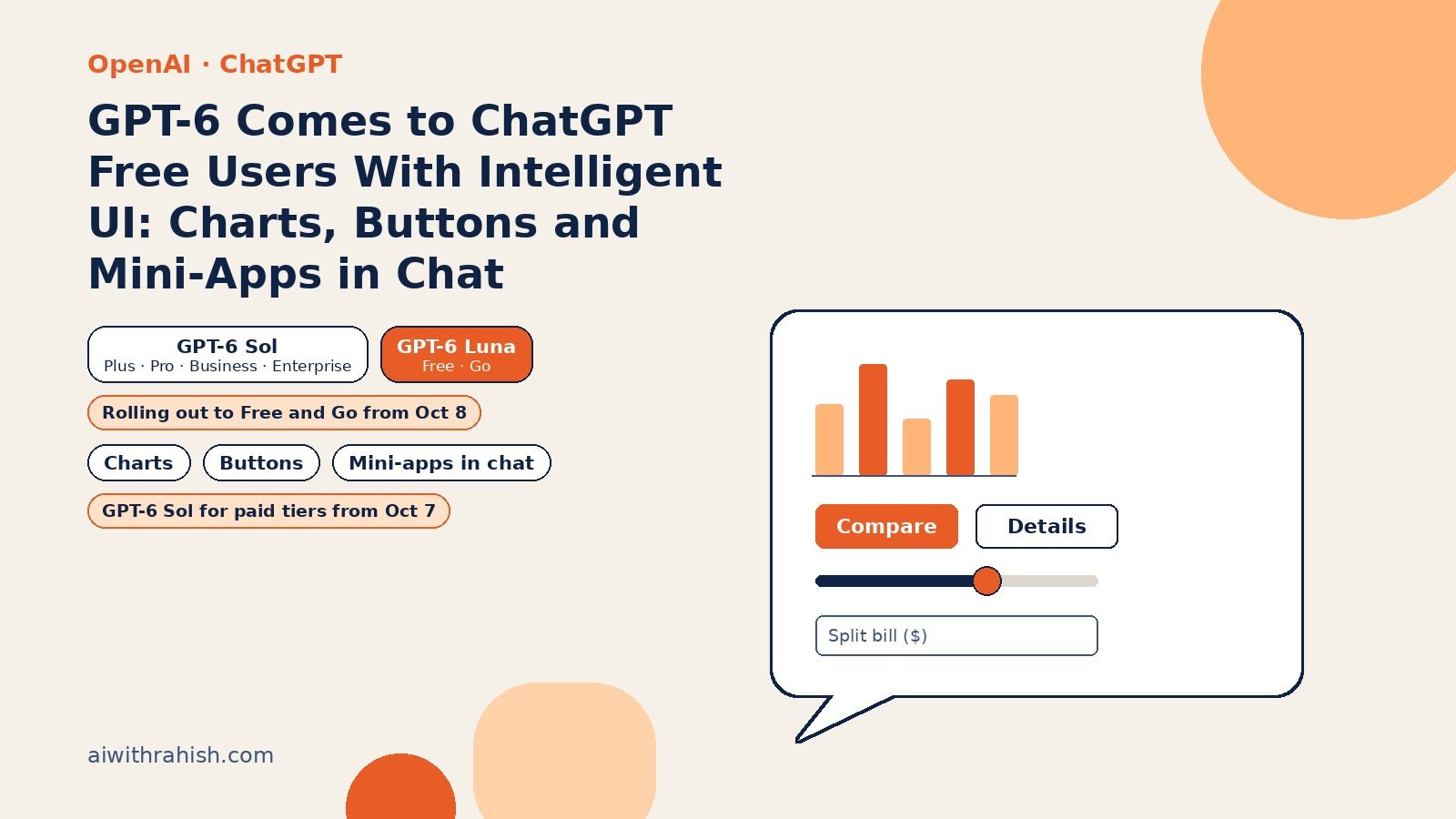
OpenAI introduced its first GPT-6 models for paid customers in September 2026. On October 7, 2026, the company published GPT-6 and Intelligent UI for everyone, bringing a new GPT-6 experience in ChatGPT to the more than 1.2 billion people who use the product each week. The headline for today, October 8, is the expansion to Free and Go tiers—so the biggest consumer AI chat app is no longer text-only by default.
The release pairs a model tuned for everyday conversation with Intelligent UI: responses that can mix prose, graphics, tappable controls, and small interactive experiences inside the thread. OpenAI’s framing is blunt: “Instead of people adapting to software, software will adapt to people.” Coverage from TechCrunch and 9to5Mac on October 7 echoed the same story: ChatGPT is becoming visibly more interactive, not just more capable in the background.
What happened
GPT-6 with Intelligent UI started rolling out globally on October 7, 2026 to ChatGPT Plus, Pro, Business, and Enterprise users in the Chat tab. Starting October 8, 2026, that rollout expands to Free and Go. Enterprise availability still depends on workplace admin settings, and OpenAI describes this as a gradual rollout—so if you do not see the new UI yet, that may be normal.
Important scope note: this update applies to the Chat experience only. The models powering ChatGPT Work and Codex are not changing in this release.
What Intelligent UI actually does
GPT-6 was trained to compose answers using text, visuals, and interactive elements, choosing how they fit based on the question. A comparison might appear side by side; an explanation might be an interactive diagram; a simple text answer still shows up when that is most useful.
OpenAI says responses can include:
- Graphics and charts for data-heavy questions.
- Tappable buttons and forms for choices and input.
- Interactive experiences you use directly in the conversation—maps, calculators, or small games.
Examples from OpenAI’s post span everyday planning and learning:
- Cooking: timing for a Sunday roast shown alongside the recipe, so you see schedule and instructions together.
- Travel: road-trip stops plotted on a map inside the thread.
- Education: interactive explanations of topics such as the central limit theorem, GDP, the Monty Hall problem, or drone photography.
- On-demand tools: a savings or retirement calculator, a bill splitter for dinner with friends, or a retro game you can play without leaving chat.
That range is the point. Intelligent UI is not “always show a widget.” The model is supposed to pick text, visuals, or interactivity based on what the question needs—and still default to plain text when that is enough.
Under the hood, OpenAI built a library of native, streamable UI components plus a compiler that processes the interface as the model generates it, so the UI appears progressively rather than only after the full reply finishes. Training evaluated generated interfaces for clarity, usefulness, and completeness. OpenAI also says there is still work ahead on the model’s design judgment.
Who gets which model
GPT-6 in ChatGPT is powered by GPT-6 Sol for Plus, Pro, Business, and Enterprise, and by GPT-6 Luna for Free and Go. Both are tuned for everyday conversation and replace the prior GPT-5.6 Sol and GPT-5.6 Luna models in ChatGPT.
| Plan | ChatGPT model | Rollout start |
|---|---|---|
| Plus, Pro, Business, Enterprise | GPT-6 Sol | Oct 7, 2026 (Chat tab) |
| Free, Go | GPT-6 Luna | Oct 8, 2026 |
According to OpenAI’s Help Center, Intelligent UI works on the web and on updated mobile apps (update your app). The older ChatGPT desktop apps for macOS and Windows do not support it—use the web instead if you rely on those clients today.
There is no separate usage quota for Intelligent UI. Intelligent UI is not available at Pro effort (GPT-6 Pro, powered by GPT-6 Astra).
Faster answers while it thinks
ChatGPT can now begin answering while it continues to think, interleaving thinking and answering. For questions that need web search, OpenAI says GPT-6 Instant starts answering 44% sooner on average than GPT-5.6 Instant. In an internal evaluation of high-value everyday agentic tasks, GPT-6 Extra High begins answering in the same time as GPT-5.6 Medium while scoring better overall than GPT-5.6 Extra High. GPT-6 also makes better decisions about when to search the web.
How to turn visuals down
If you prefer a calmer thread, OpenAI documents a web-only control: in ChatGPT on the web, open Settings and turn off “Layout and visuals.” Some visual elements may still appear, and it is not a full text-only mode, but it reduces how often charts and interactive layouts show up.
Safety notes
OpenAI says this release builds on GPT-6 Astra’s safety advances, with updated safety training against high-risk misuse involving cyberattacks, biological threats, and violence, and stronger resistance to multi-turn jailbreak attempts in adversarial testing.
The system card states OpenAI treats GPT-6 Sol and GPT-6 Luna as High capability in Cybersecurity and in Biological and Chemical domains (below Critical), matching their GPT-5.6 counterparts. They replace GPT-5.6 Sol and GPT-5.6 Luna in ChatGPT.
Why it matters
- Free tier catches up on UX. Putting Intelligent UI on Free and Go means hundreds of millions of users may soon expect charts and mini-apps as the baseline ChatGPT experience—not a Pro-only gimmick.
- Chat becomes a runtime. When the model can ship buttons, forms, and calculators inline, product teams will treat ChatGPT less like a text box and more like a composable UI platform.
- Rollout risk is real. Progressive UI compilation and design judgment are hard problems; early users should expect rough edges even as latency and search routing improve.
For context on other GPT-6 launches, see our coverage of GPT-6 Astra Ultrafast and GPT-6.1 Sol in the API—this post is specifically about the consumer Chat tab rollout and Intelligent UI.
The bottom line
Today’s expansion is the consumer half of OpenAI’s GPT-6 story: Luna for Free and Go, Sol for paid plans, and a chat surface that can render real interfaces—not just markdown. Whether Intelligent UI becomes indispensable or distracting will depend on how well the model picks the right format for each question, but the direction is clear: ChatGPT is trying to meet users where they are, visually and interactively, not only in plain text.
Sources
- OpenAI: GPT-6 and Intelligent UI for everyone (Oct 7, 2026)
- OpenAI Help Center: GPT-6 and other models in ChatGPT
- OpenAI: GPT-6 October model safety training and evaluation
- TechCrunch: ChatGPT is getting a lot more visual with the launch of a new interface (Oct 7, 2026)
- 9to5Mac: OpenAI brings GPT-6 to ChatGPT and debuts Intelligent UI (Oct 7, 2026)